Quotes and service brochures
Explain the services and price with documents built around your offering.

Create and customize quotes, invoices and contracts, with AI helping where you need it. Adjust line items, collect digital signatures and arrange custom payment plans through Stripe.
The guest count changes, a service is added or the payment schedule needs adjusting. Your sales documents need to reflect the latest agreement.
Present services through dynamic quotes and brochures, with a quote design builder for your layout.
Ask AI to generate or update quotes and invoices as requirements develop.
Create and sign contracts, then arrange payment links and payment plans.
Put this part of your sales process to work for your team.
Explain the services and price with documents built around your offering.
Keep the booking documents moving as the customer’s plans develop.
Use payment links and plans to support the agreed payment schedule.
Generate banquet event orders, catering orders and timelines from your booking details, so your team has a clear plan for the event.
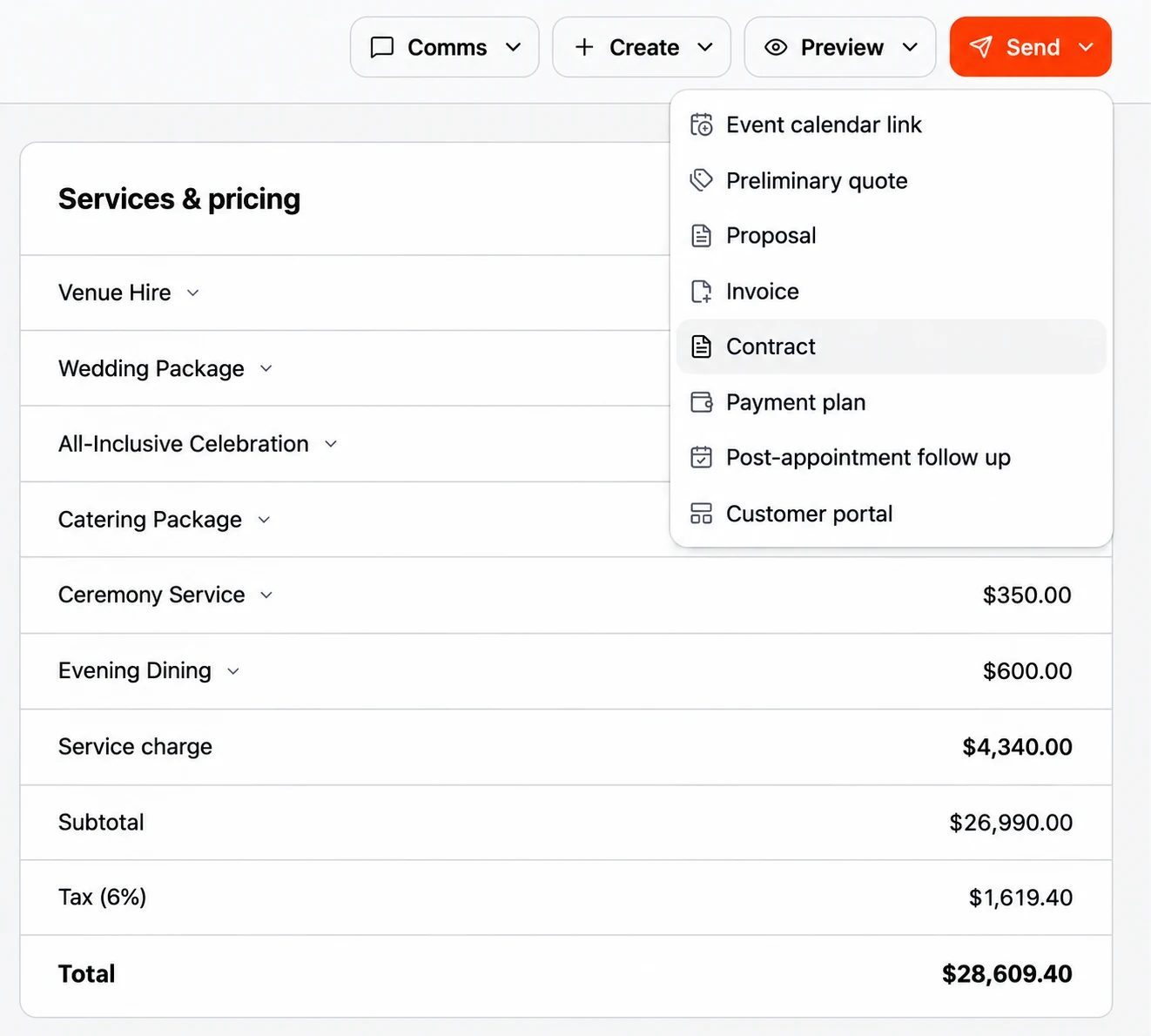
Create and update the documents and payment requests your booking needs.
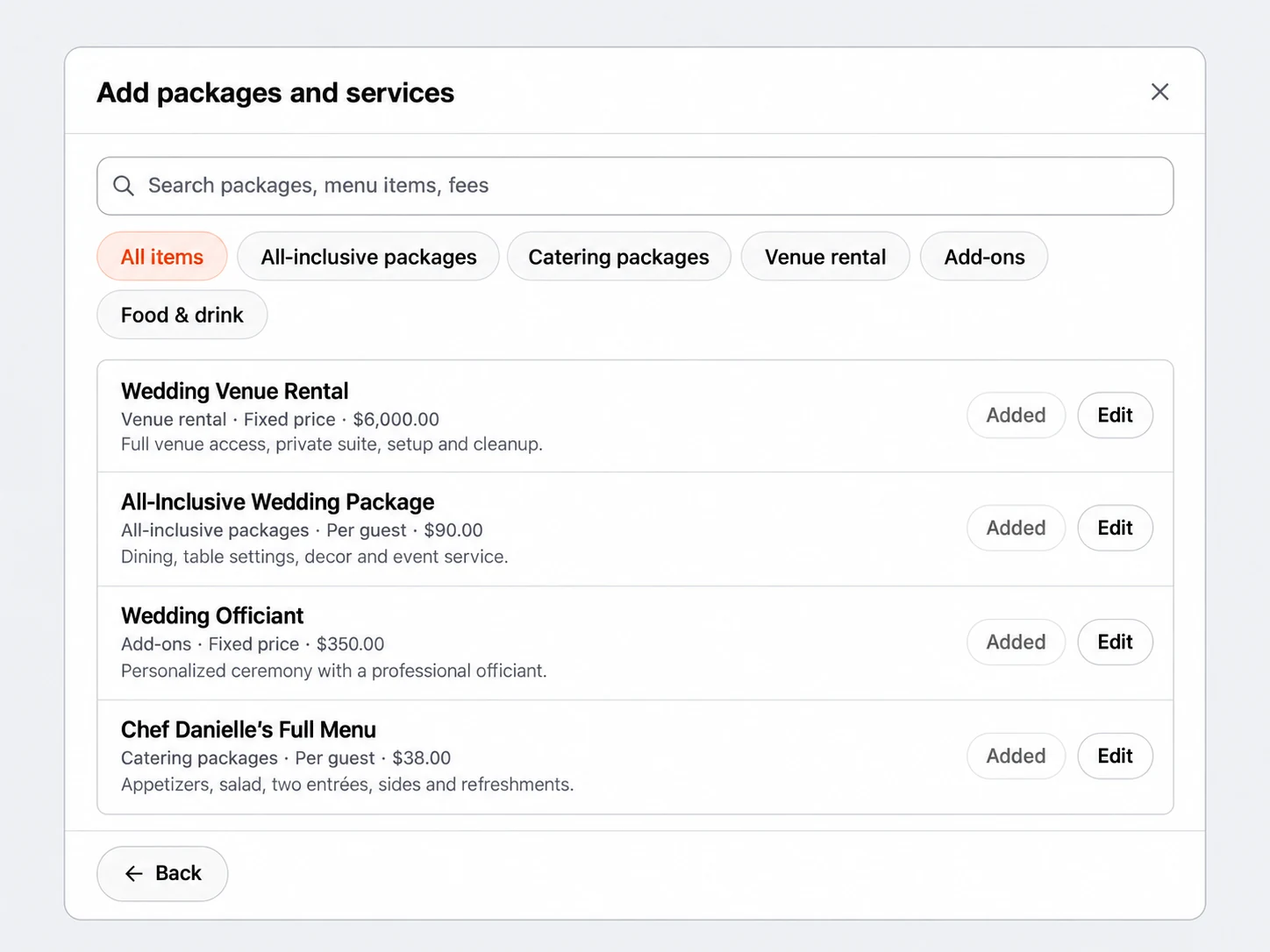
I’ve updated the invoice to 80 guests, added evening dining and recalculated the total using your saved pricing.
I’ve also prepared an email explaining the changes and asking Emily to confirm the updated details and payment schedule.
The invoice and email are ready for review. Once you approve, I’ll send them together and follow up for her confirmation.
Built around the way you work with leads, clients and your team.
Generate quotes using your services and event details, then ask AI to update them as plans change.
Build the design of your quotes so the offering is presented the way you want.
Create brochures that explain your services and help customers explore the offering.
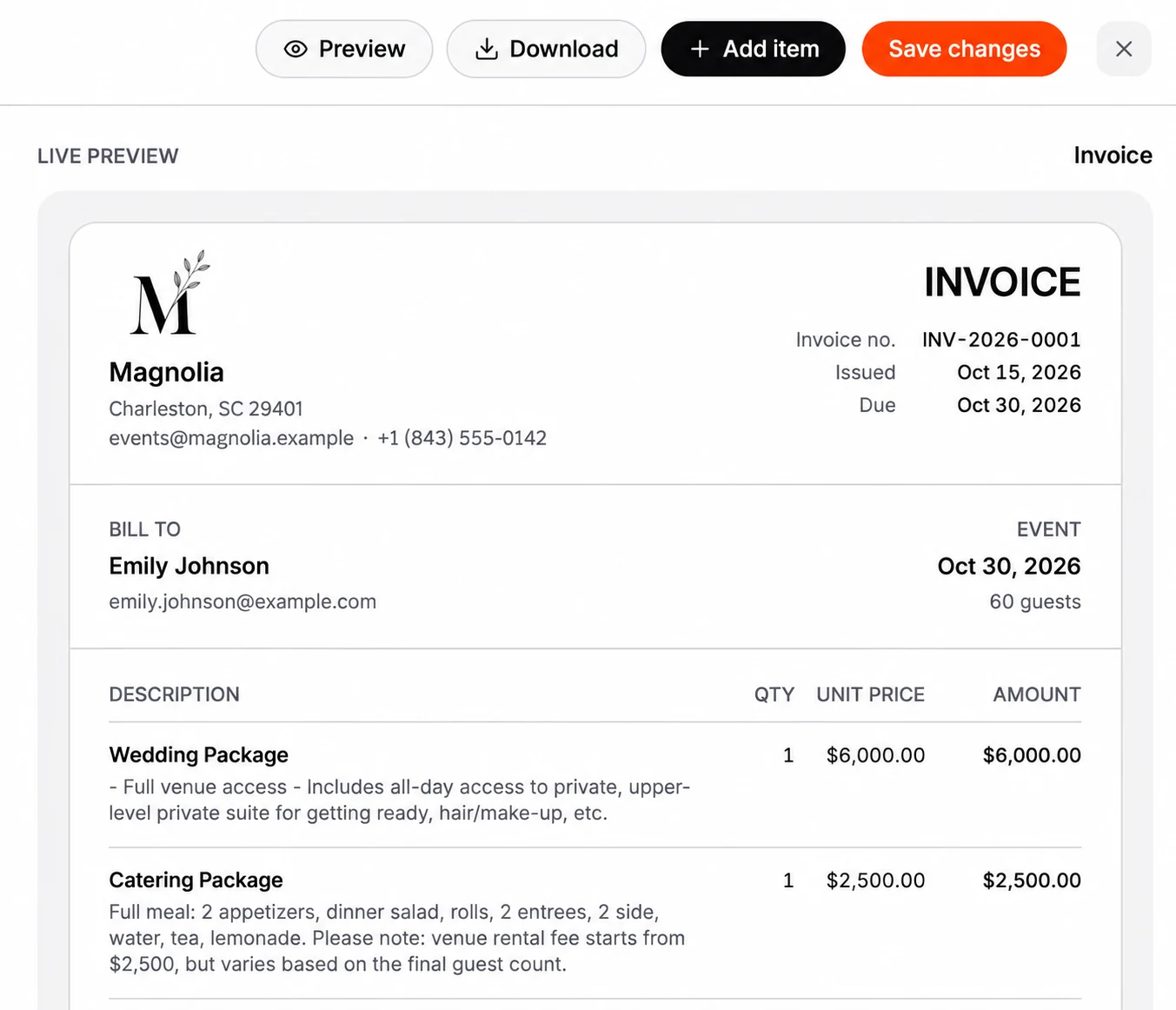
Customize invoice details, add services and extra items, and update quantities or prices yourself or with AI assistance.
Prepare contracts with AI assistance and collect digital signatures from any device, all within your Breezit plan.
Connect Stripe to collect customer payments.
Set up links for payment requests and ask AI to create, update or send them.
Choose the deposit, installment amounts and due dates, then collect the remaining balance on the schedule agreed with your customer.
Ask AI to help follow up on payment requests using the customer and booking context.
Build the invoice around what your customer has agreed to. Customize the details, adjust the items and choose a payment schedule that works for the booking.
Customize the invoice details and item descriptions to clearly explain the services you are providing.
Add extra services and additional line items, or adjust quantities and prices when the guest count or booking requirements change. Make edits yourself or ask AI to help.
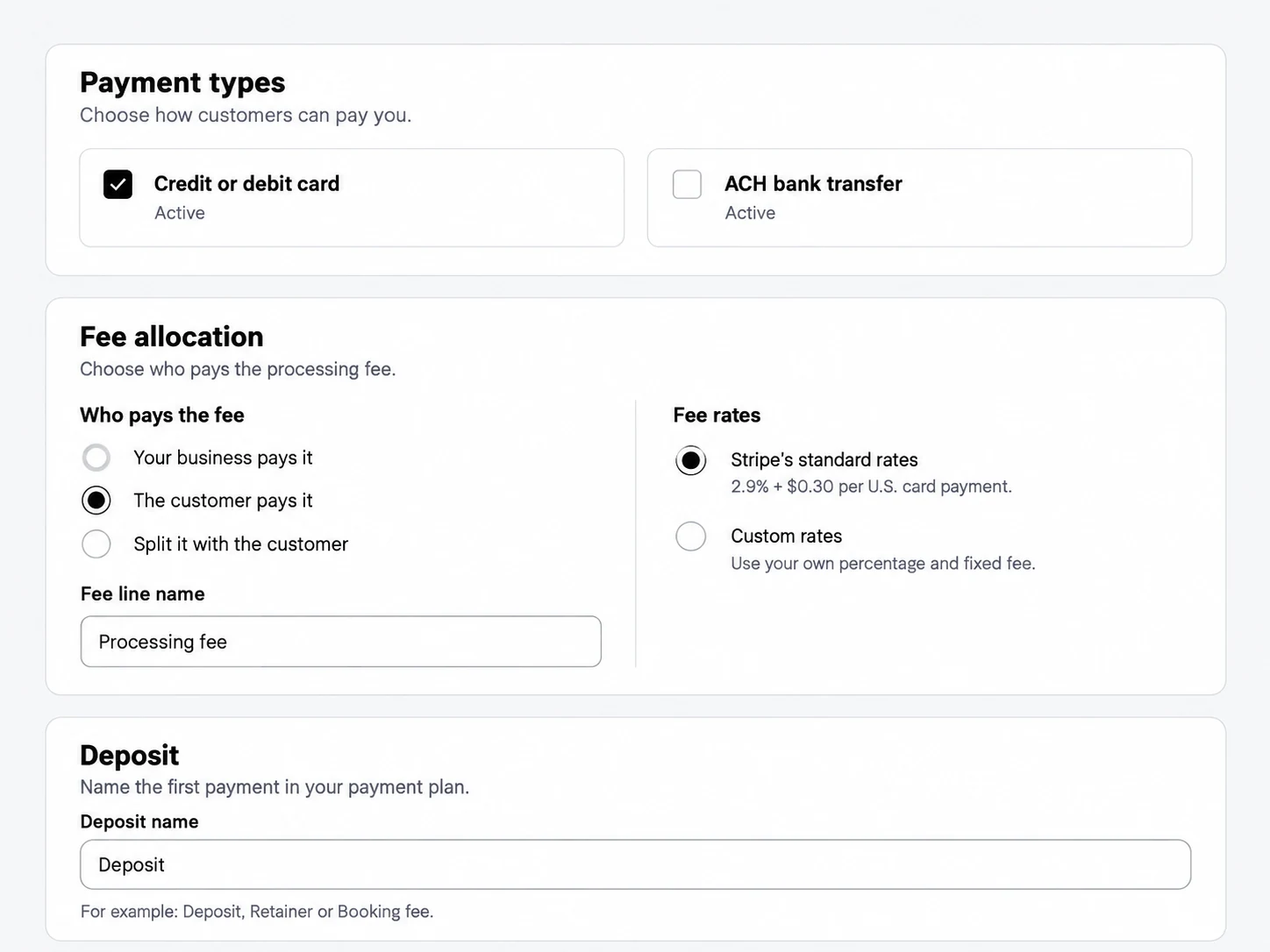
Choose the deposit, installment amounts and due dates. Spread payments across the booking timeline and set when the final balance is due.
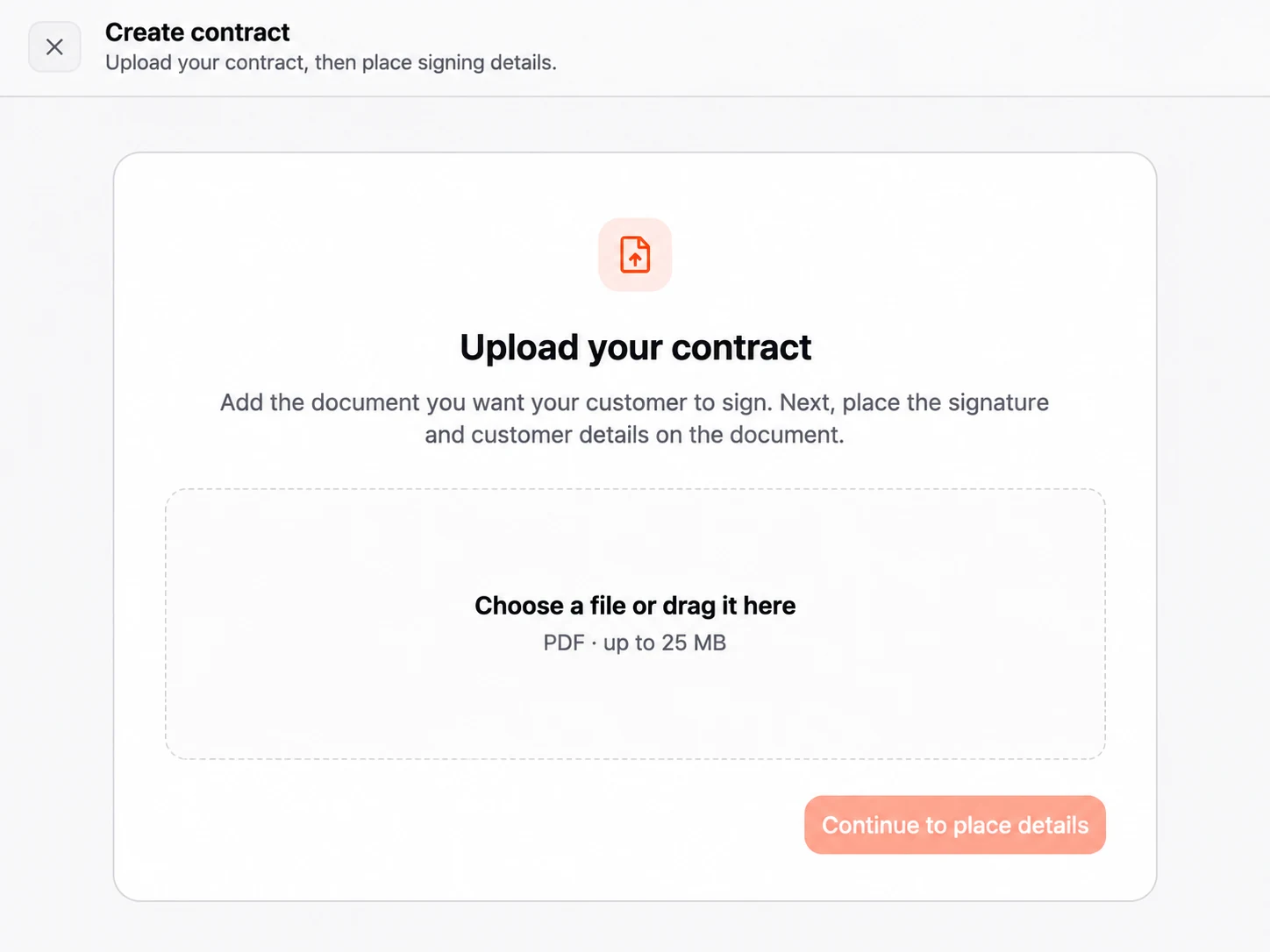
Prepare your agreement, let clients review and sign online, then move on to the payment. Contract creation and e-signatures are included in your Breezit plan.
Use your own contract template and terms. Breezit can fill in customer and event details, and AI can help prepare or update the document before you send it.
Clients can read the agreement and add their digital signature from a phone, tablet or computer, without printing or scanning paperwork.
Follow the agreement with a Stripe payment link for the deposit, or arrange a payment plan for the booking.
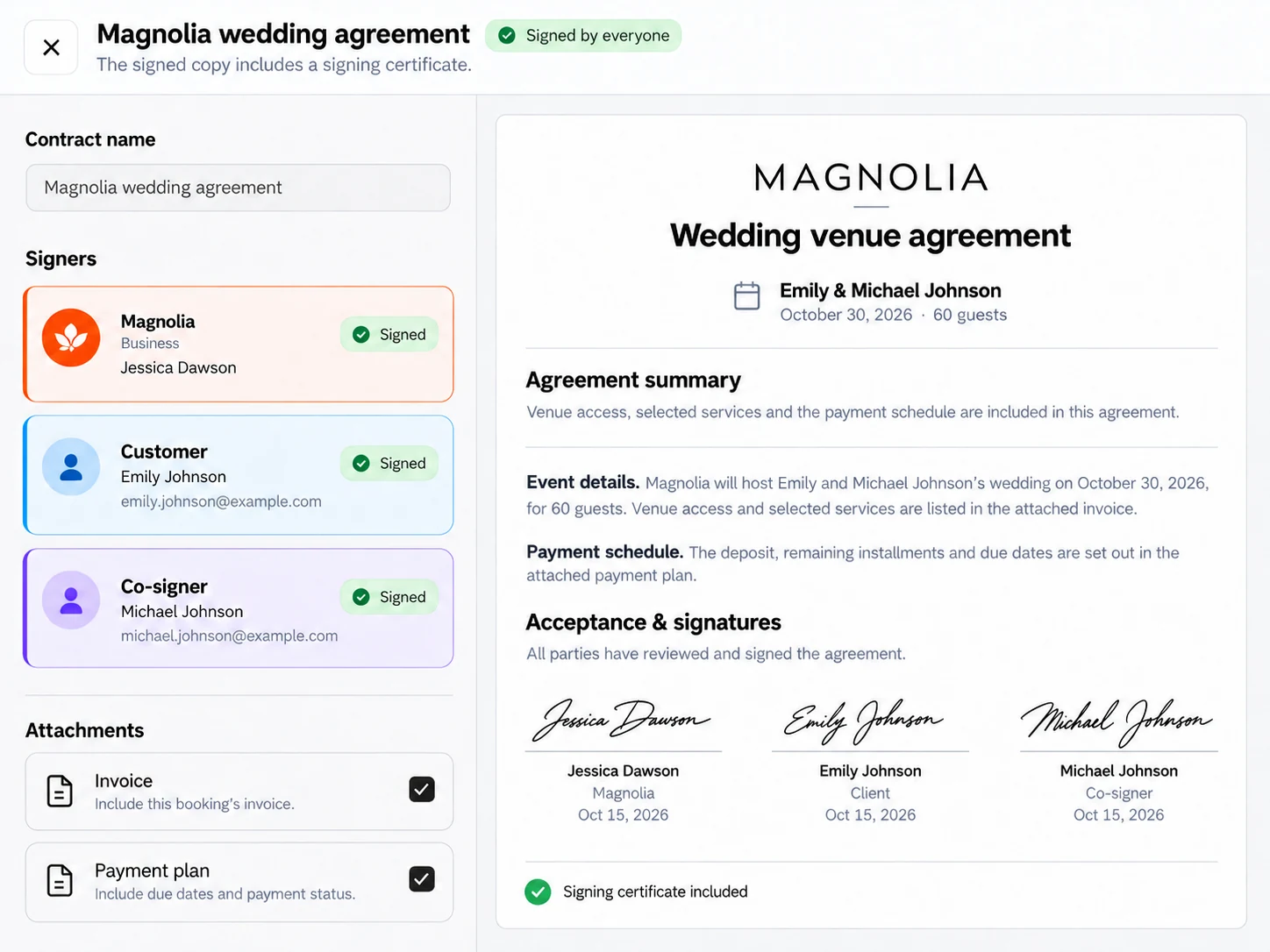
Signer verification helps confirm who is signing the agreement.
Encryption protects your contract data during transfer and storage.
Keep an audit trail of signing activity, timestamps and IP addresses.
Completed contracts are protected from changes after signing.
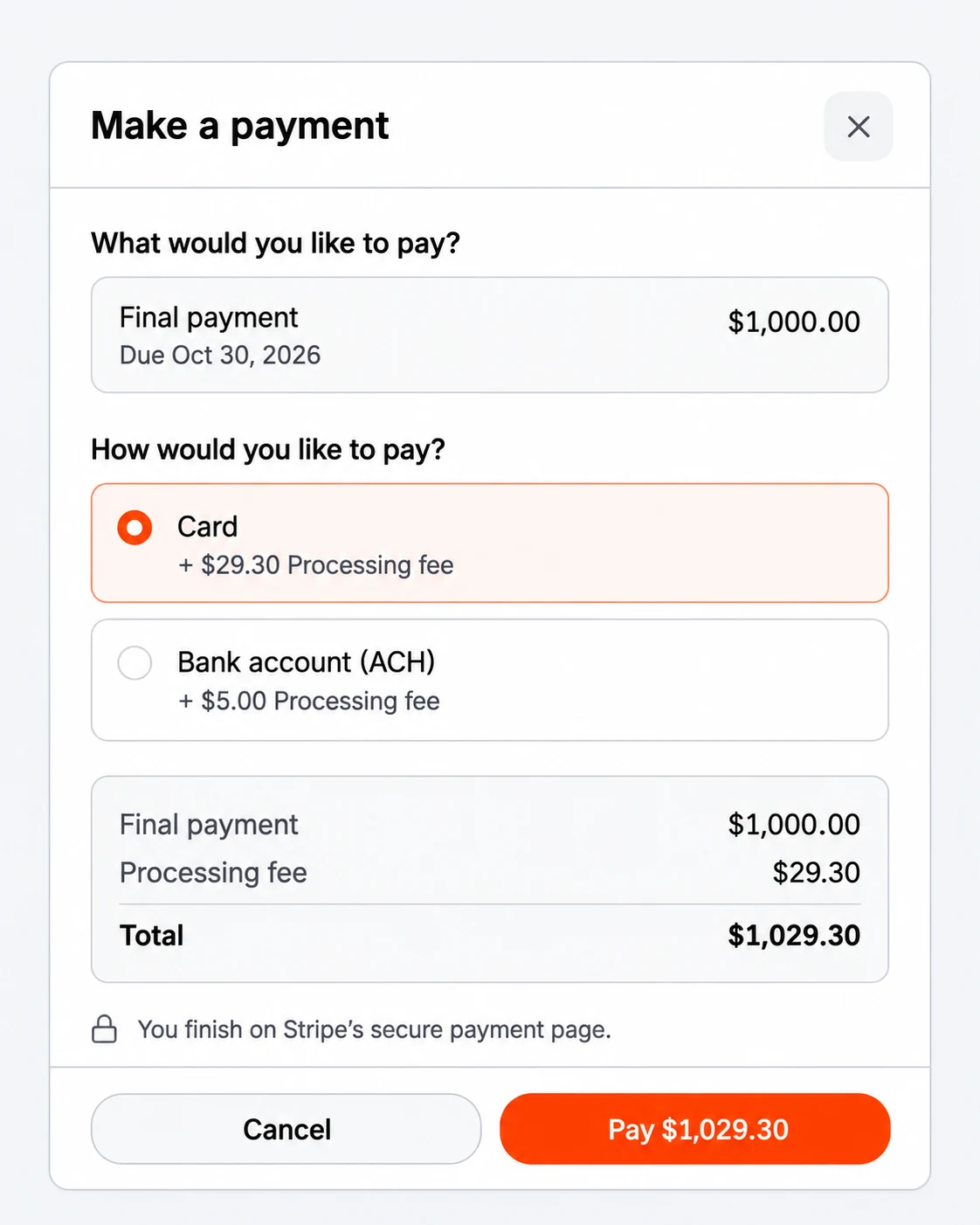
Collect deposits, installments and balances by card or ACH.
Connect your account to receive payouts to your bank.
Let customers pay through Stripe’s secure checkout.
Set the rate, who pays and the fee label.
| CardsU.S. online domestic cards | 2.9% + 30¢ |
|---|---|
| ACH Direct Debit$5 maximum per payment | 0.8% |
| Breezit feeNo added fee or markup | $0 |
Standard U.S. rates. Account pricing and additional Stripe fees may vary.
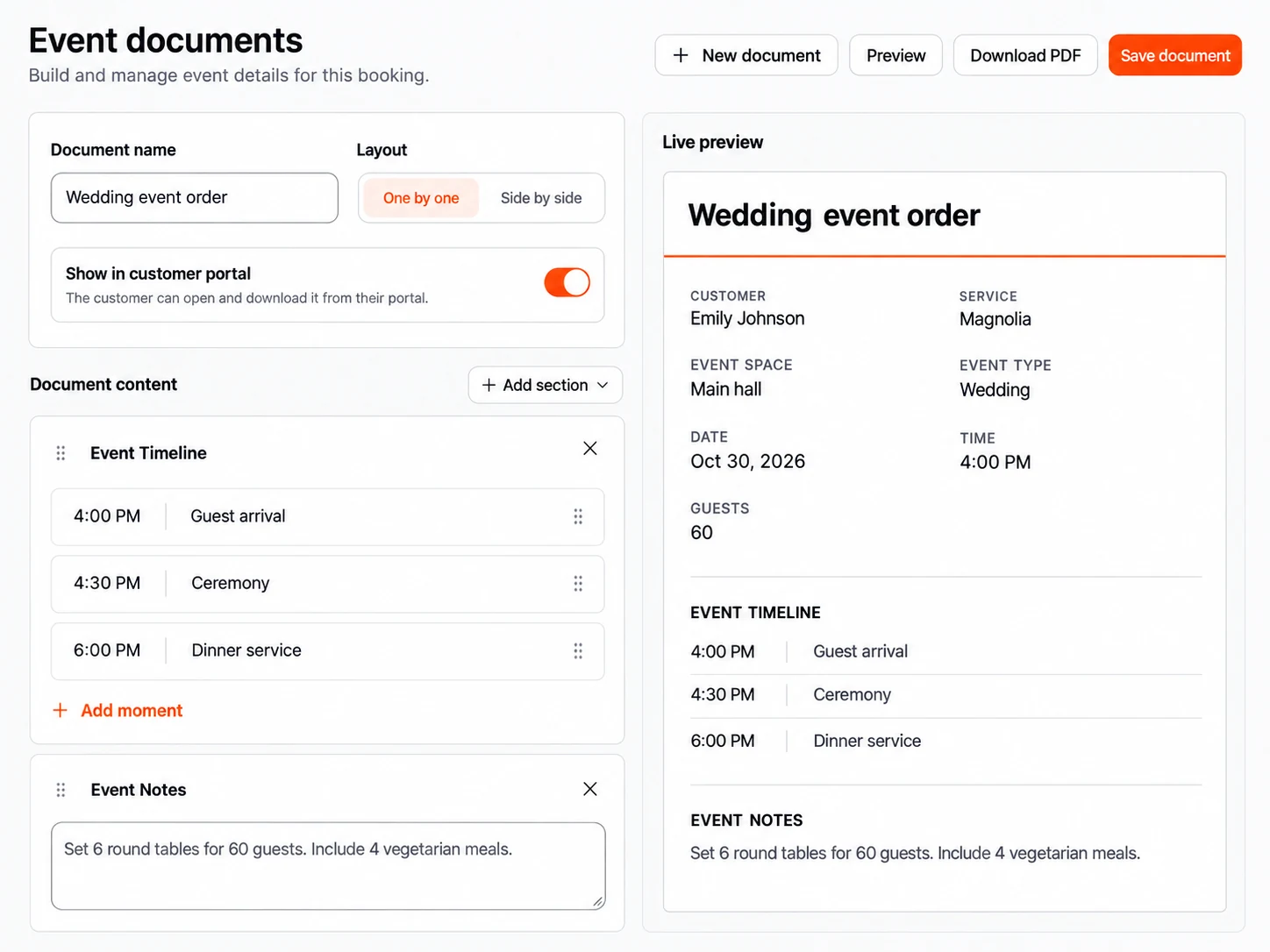
Automatically generate banquet event orders, catering event orders and other event documents from the information already in your booking. Review the details, make changes and keep everyone working from the same plan.
Bring guest counts, room setup, menus and the event timeline into one document for your venue team.
Give your kitchen and service team the menu, quantities, dietary requirements, delivery details and service schedule.
Create timelines, setup instructions and other documents with the sections your event needs.
Edit and arrange sections, preview or download the document, and choose which documents appear in the customer portal.
Company dinner · Main hall
Seasonal starter · Main course · Dessert
Dietary requirements included from the booking.
Set the commercial details and direct the actions you want AI to carry out.
Use your packages, pricing information and customer requirements.
Choose the quote design, brochure content and contract terms.
Connect Stripe and create the payment links and plans for each booking.

Richelle Norman · Owner

Matthew Presley · Owner

Rylie Jennings · Venue Sales Manager

Michael Olivas · Sales Manager

Jessica Ritter · General Manager

Kristen Leen · Venue Sales Expert

Regina & Will · Owners

Ra · Owner

Ryan Cottam · Owner

Joey Marshall · General Manager

Kelly Lee · Owner

Hunter · Owner

Ijo · Owner

Elli Winn · Event Manager
Yes. Breezit can generate dynamic quotes and update them when you ask it to change the details.
Yes. Use the quote design builder and create dynamic service brochures to present your offering.
Yes. Create and customize invoices yourself or ask AI to help prepare and update them. Add extra services or line items, change quantities and prices, and keep invoice details aligned with the agreed booking.
Yes. Set the deposit, split payments into installments and choose the amounts and due dates for each booking. Your payment plan can reflect the schedule agreed with the customer, including the final balance.
Yes. Contract creation and digital signatures are included in your Breezit plan. Ask AI to help prepare or update your contracts, then let clients review and sign online.
Yes. Breezit can fill your contract templates with customer and event details. You choose the terms, and can ask AI to help update the document.
Yes. Clients can review and sign digitally from a phone, tablet or computer, without printing or scanning the contract.
Breezit uses signer verification and encryption to protect the signing process and contract data. Each agreement has an audit trail with signing activity, timestamps and IP addresses. Completed contracts are protected against changes after signing.
Connect your Stripe account through Stripe Connect and send payment links for deposits, installments or balances. Stripe processes the payments and pays out funds to your bank account. Breezit adds no extra payment processing fee.
Yes. Ask Breezit to create, update or send payment links and help with payment follow-ups.
For the people who bring weddings, corporate events and celebrations to life.