Call Breezit AI


Breezit responds to website inquiries by email, then sends a text when a phone number is provided. Clients can continue by email or SMS, get answers and arrange an appointment.
Your website brings in potential clients while your team is busy. Breezit AI gives each inquiry a personalized response by email and SMS, keeping the conversation moving toward a booking.
Welcome website visitors in their preferred language, with replies that sound like your business.
Breezit can answer website chat messages in any language, helping visitors explore your services and share what they are planning.
Breezit learns how your business communicates. Customize the tone to suit your team—from warm and conversational to polished and formal—and update your preferences whenever you need to.
From the first email to ongoing SMS conversations, help website visitors get answers and take the next step.
Use Breezit’s contact form on your website, or route your existing form to the Gmail or Outlook inbox connected to Breezit. Each submission captures the visitor’s question, event details and contact information, including their phone number when supplied.
Breezit sends a personalized email answering the visitor’s question using their submitted request and your business information.
When the visitor provides a phone number, Breezit also sends an SMS. They can reply directly to the text and continue the conversation there.
Ask for the date, location, guest count or service requirements the form left out. Save answers from email and SMS with the contact information in a lead profile.
Answer further questions, collect new details and follow up through email and SMS. You choose the timing and frequency of follow-ups.
Help the client choose a call, consultation, tasting, tour or other appointment from your connected calendar. Notify your team when a question needs their input.
Use Breezit’s contact form on your website, or connect your existing form through your inbox. Capture each visitor’s question, contact information and event details so Breezit AI can respond.
Continue the inquiry in the visitor’s inbox, where they can read and reply after leaving your website.
Respond to the question the visitor submitted, using your business information and the event details they shared.
Ask for dates, locations, guest counts or service requirements that weren’t included in the original form submission.
Keep the information from the form and subsequent replies in a lead profile your team can review.
Help an interested visitor arrange a tour or consultation using the times available in your connected calendar.
Send a text after the email when a phone number is provided. Clients can reply by SMS to ask questions, share details and arrange an appointment.
Connect the Gmail or Outlook inbox that receives your website inquiries so Breezit can pick up submissions and send replies.

Richelle Norman · Owner
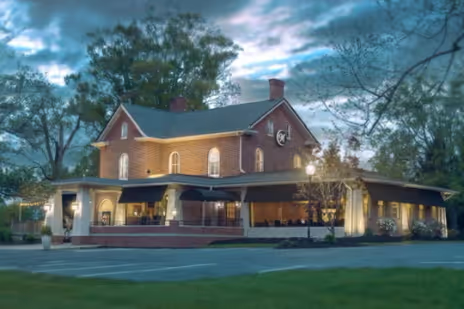
Matthew Presley · Owner

Rylie Jennings · Venue Sales Manager
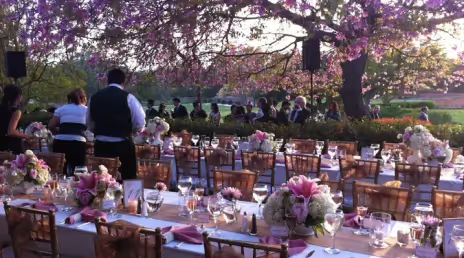
Michael Olivas · Sales Manager
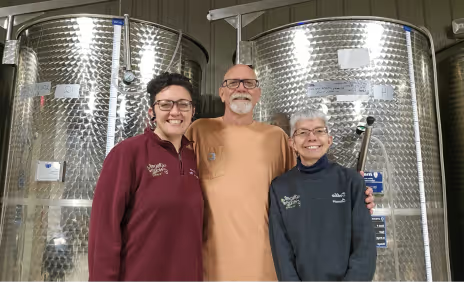
Jessica Ritter · General Manager

Kristen Leen · Venue Sales Expert
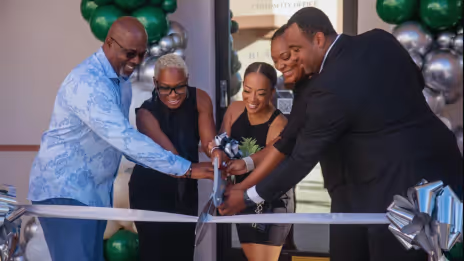
Regina & Will · Owners

Ra · Owner
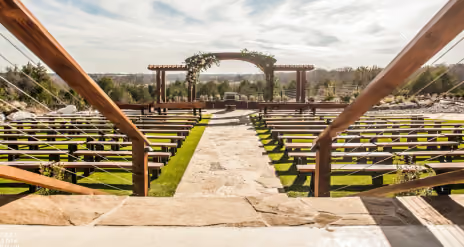
Ryan Cottam · Owner
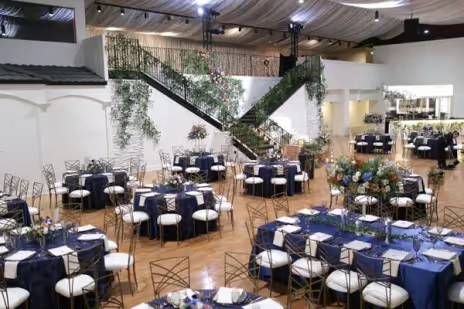
Joey Marshall · General Manager

Kelly Lee · Owner

Hunter · Owner
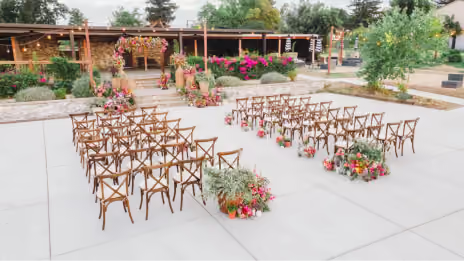
Ijo · Owner

Elli Winn · Event Manager
Choose how you want to experience Breezit as a potential customer.
Choose a plan based on how many new leads your business receives each month.
Further messages and follow-ups with an existing lead don’t count as new leads.
Use Breezit to handle inquiries for at least 7 days. If it isn’t right for your business, request a full refund within your first 14 days of service.
View guarantee detailsSetup, replies and how your team stays involved.
Talk to the Breezit teamYour existing form may work if it sends inquiries to a connected Gmail or Outlook inbox and includes the visitor’s email address and message. Test a submission with the Breezit team to confirm the route and reply details.
Breezit replies by email and then sends an SMS when the visitor provides a phone number. They can continue the conversation by email or text after leaving your website.
This page shows a website form connected to email and SMS conversations. If you want an embedded form or website chat, discuss the available website setup with the Breezit team.
Connect the inbox that receives your form submissions, provide your business information and test the form’s contact details and reply destination. Connect your calendar if you want Breezit to arrange tours or consultations.
Include the visitor’s name, email address, phone number and question. An event date, guest count and service type provide useful context. Breezit can ask for missing event details by email or SMS.
Once the inquiry reaches your connected inbox, Breezit can reply by email in under a minute. You can adjust the response time to fit how your business communicates.
Yes. Visitors can reply by email or SMS to ask more questions, add event details or discuss an appointment. Breezit continues the conversation using your business information.
Breezit notifies your team and shares the conversation. You can supply the missing information or pause Breezit for that lead and reply directly.
Breezit keeps lead details for the inquiry. Sharing those details with your existing CRM depends on the connection configured for your business. Confirm the CRM, fields and actions during setup.
A form confirmation acknowledges the submission. Breezit answers the visitor’s questions, asks for missing details and continues the conversation by email and SMS to help them arrange an appointment.
Breezit sends reminders, helps clients reschedule and follows up after a no-show through the channels you configure. After a tour, consultation or call, it can send a follow-up email with the details and next steps you provide.
Yes. With your inbox connected, tell Breezit who to email and what to include at any time. You can review the emails and conversation whenever you need to.
For the people who bring weddings, corporate events and celebrations to life.
Keep the conversation going, wherever your customers reach out.